
Oxygen Wallet1.17 - App Store
You'll be able to see results in few seconds.
Publisher Description

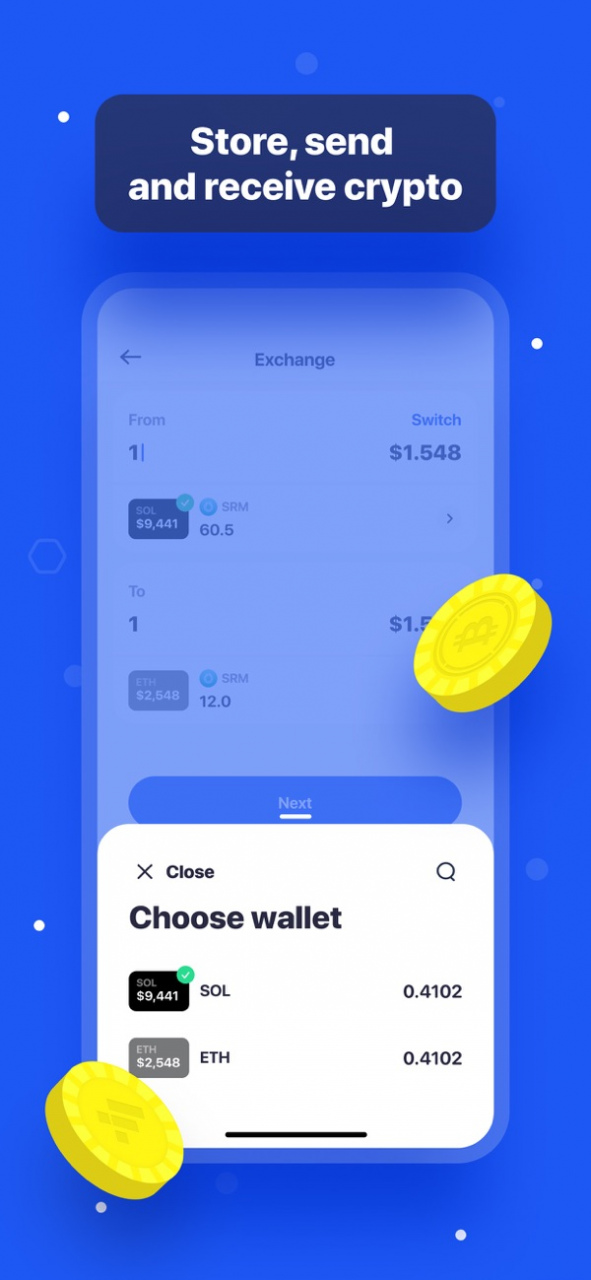
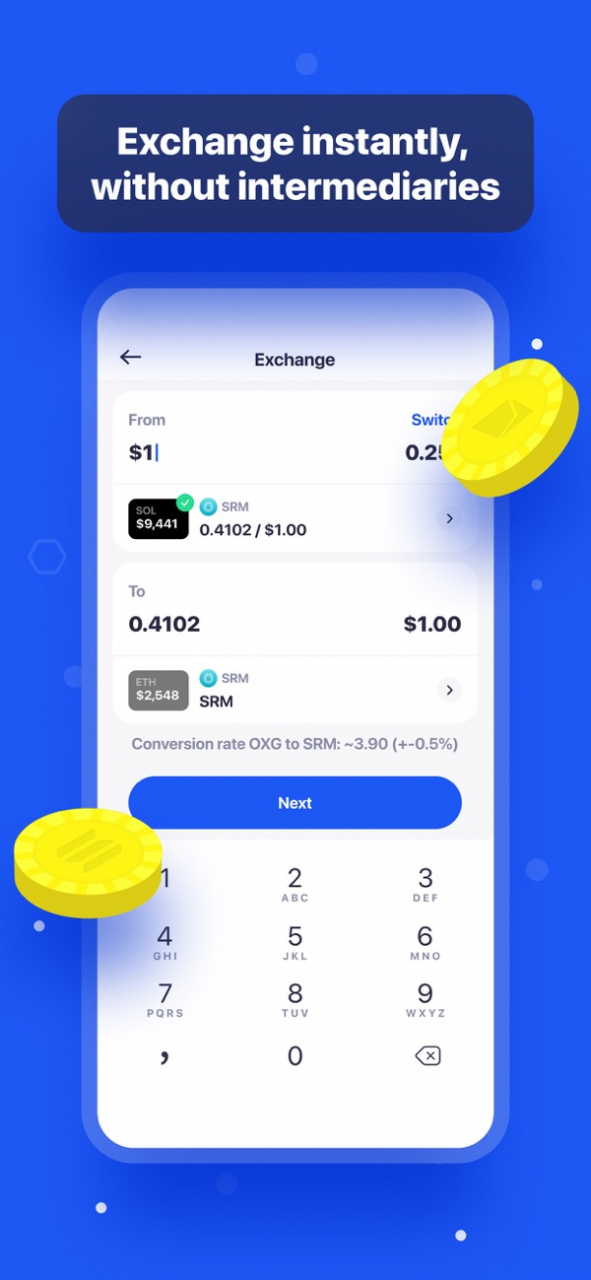
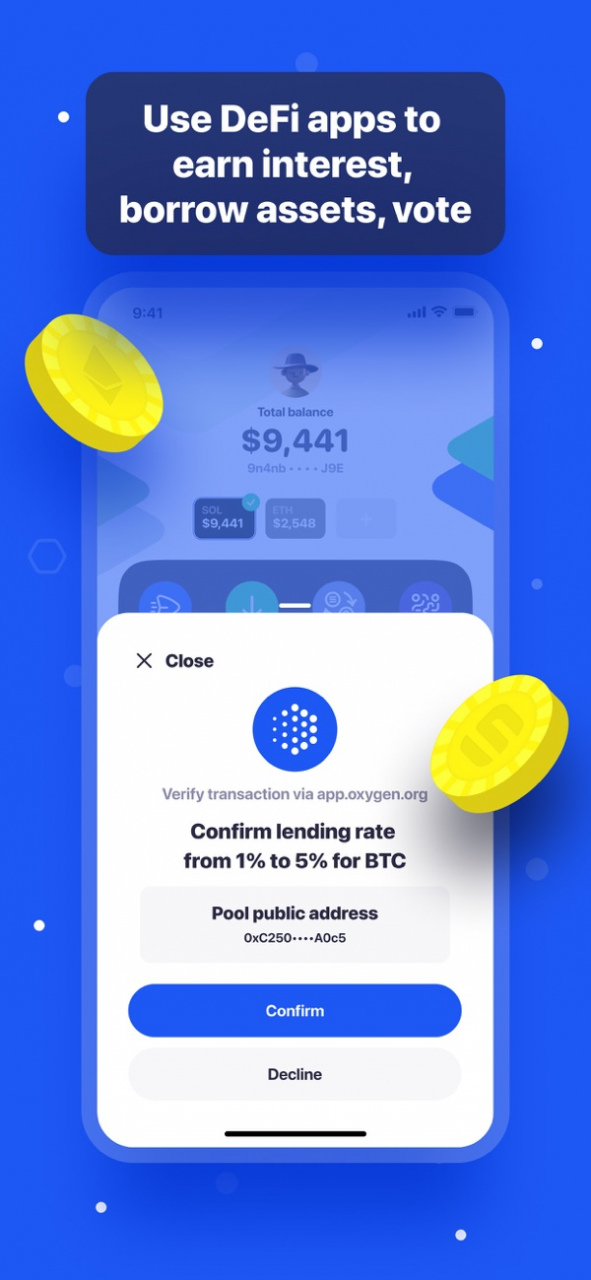

Oxygen Wallet is a non-custodial wallet for DeFi natives. It enables them to store Ethereum and Solana assets and seamlessly operate Oxygen DeFi Prime Brokerage protocol.
Oxygen Wallet combines several powerful capabilities:
• SECURE USER-CONTROLLED CRYPTO WALLET - securely store, send and receive Ether (ETH), ERC20 tokens, Solana (SOL), Solana-based SLP tokens. You remain in control of your private keys, which are stored only on your device. We never have access to your funds.
• CRYPTO PAYMENTS - Send cryptocurrency payments to anyone, anywhere in the world.
• DIRECT EXCHANGE - Exchange Solana assets without intermediaries and full transparency through 100% on-chain Serum orderbooks.
Other highlights include:
• Generate new or import existing Ethereum (ETH) and Solana wallets in seconds
• Clone Ethereum assets on Solana in 1-click to enjoy instant transactions for 1/1000 of the cost
• Use the same mnemonic phrase to create Ethereum and Solana wallets.
• Backup and restore wallet using standard 12-word BIP39 recovery phrases (compatible with MetaMask and Cipher)
• Sign messages cryptographically with your private key
It’s our mission to bring the power of digital currencies and decentralised finance to the world.
For feedback and assistance, you can reach us at wallet.support@oxygen.org
Jul 28, 2021
Version 1.17
Various bug fixes and improvements. Ready for QR v2
About Oxygen Wallet
The company that develops Oxygen Wallet is Oxygen.org AG. The latest version released by its developer is 1.17.
To install Oxygen Wallet on your iOS device, just click the green Continue To App button above to start the installation process. The app is listed on our website since 2021-07-28 and was downloaded 0 times. We have already checked if the download link is safe, however for your own protection we recommend that you scan the downloaded app with your antivirus. Your antivirus may detect the Oxygen Wallet as malware if the download link is broken.
How to install Oxygen Wallet on your iOS device:
- Click on the Continue To App button on our website. This will redirect you to the App Store.
- Once the Oxygen Wallet is shown in the iTunes listing of your iOS device, you can start its download and installation. Tap on the GET button to the right of the app to start downloading it.
- If you are not logged-in the iOS appstore app, you'll be prompted for your your Apple ID and/or password.
- After Oxygen Wallet is downloaded, you'll see an INSTALL button to the right. Tap on it to start the actual installation of the iOS app.
- Once installation is finished you can tap on the OPEN button to start it. Its icon will also be added to your device home screen.
Program Details
System requirements
Download information
Pricing
Version History
version 1.17
posted on 2021-07-28
Jul 28, 2021 Version 1.17
Various bug fixes and improvements. Ready for QR v2
Disclaimer
Official App Store Link
We do not host Oxygen Wallet on our servers. We did not scan it for viruses, adware, spyware or other type of malware. This app is hosted by Apple and passed their terms and conditions to be listed there. We recommend caution when installing it.
The App Store link for Oxygen Wallet is provided to you by apps112.com without any warranties, representations or guarantees of any kind, so access it at your own risk.
If you have questions regarding this particular app contact the publisher directly. For questions about the functionalities of apps112.com contact us.
